

Cursor's AI agents now use 2 Mac permissions
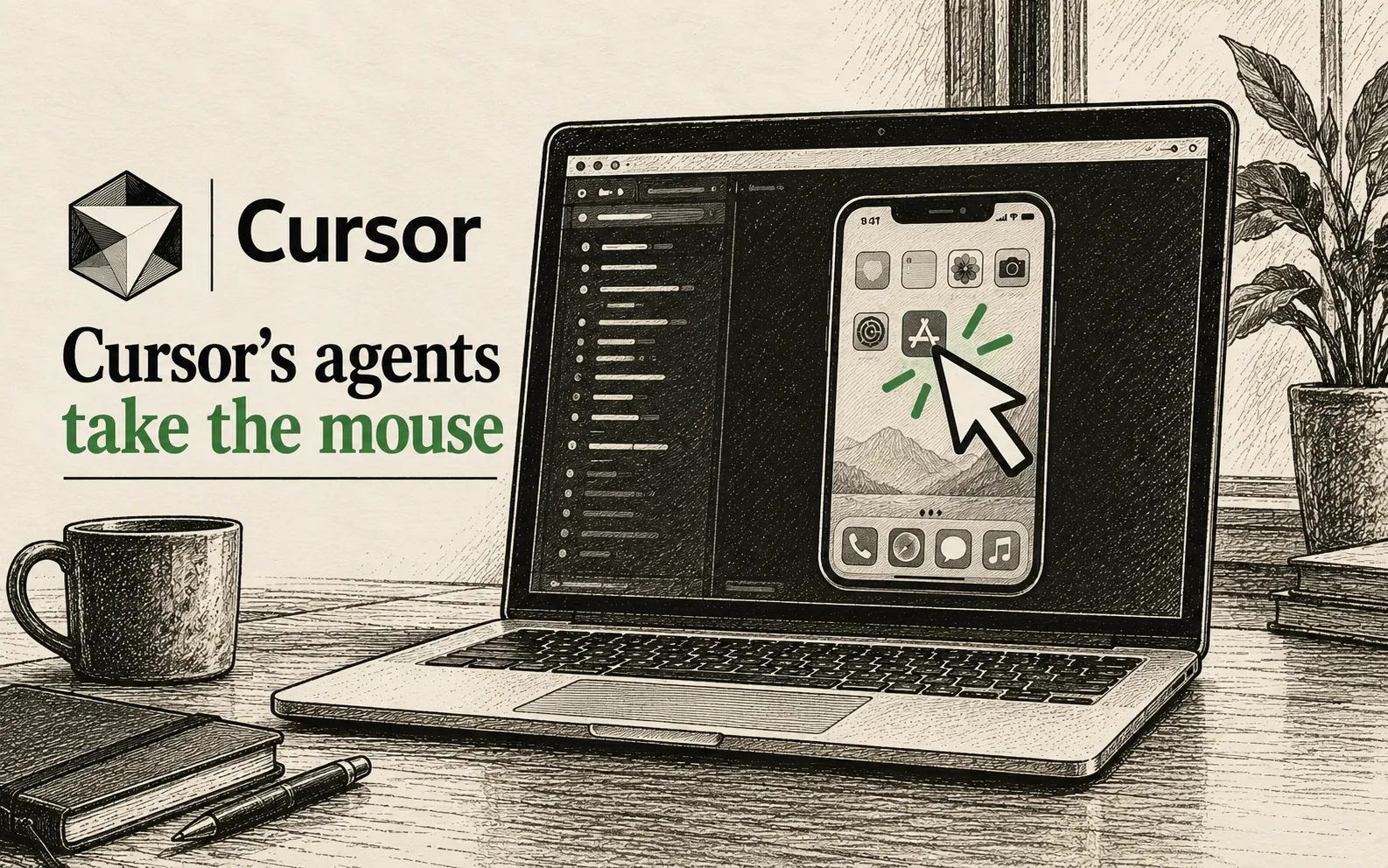
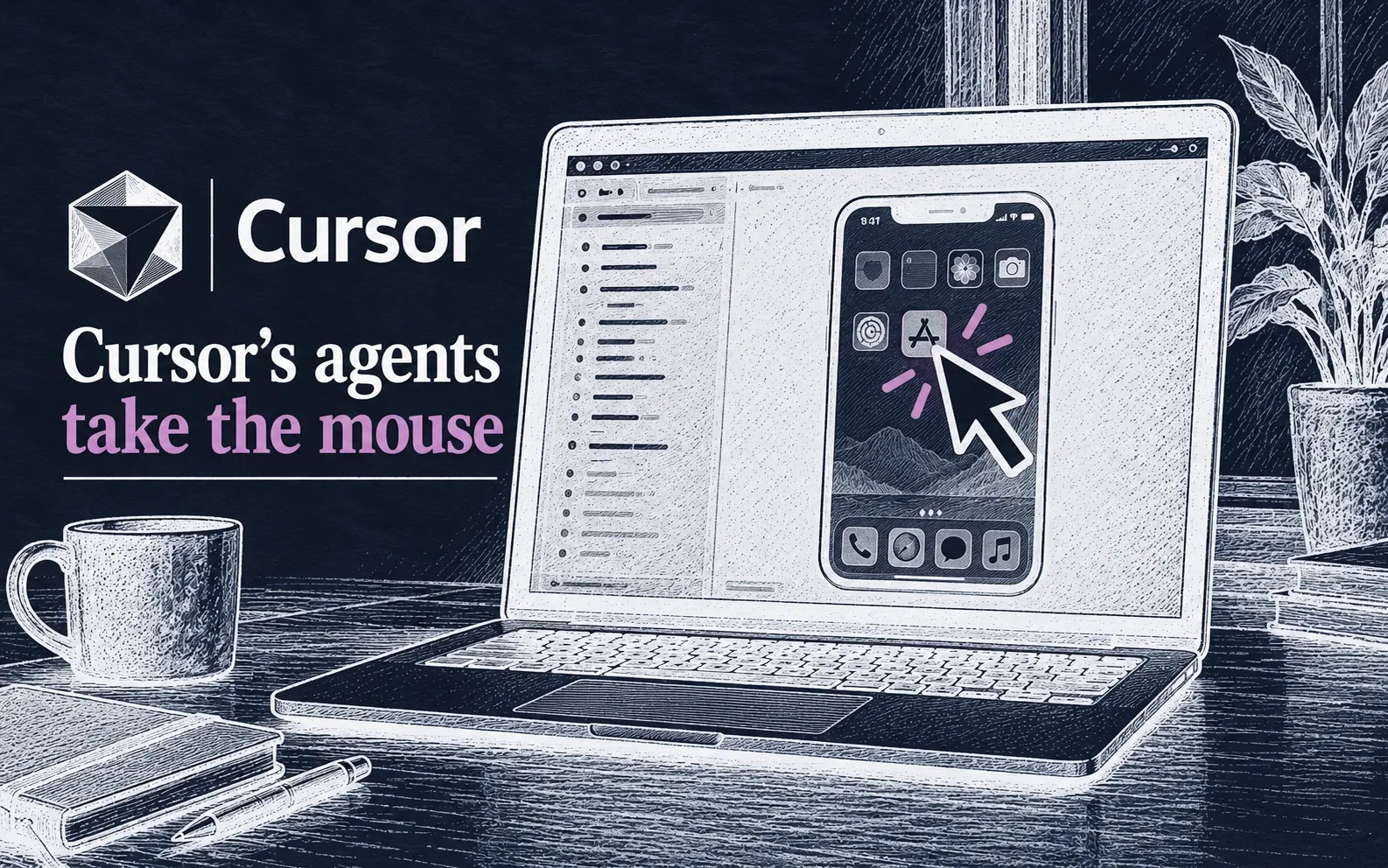
Cursor's AI agents can now click and type in desktop apps, such as Apple's iOS Simulator, the company said on the 23rd of October 2026. The feature is called Computer Use.
 Cursor's agents now use your computer
Cursor's AI agents can now control a computer and use its desktop apps, the company posted on X on the 23rd of October 2026. "Cursor can now control your computer," the post said.
Cursor makes a code editor, a program for writing software, with built-in AI agents. An AI agent is a program that carries out tasks on its own, and the new feature is called Computer Use.
Cursor's agents test their work in Apple's iOS Simulator, posts on the 23rd of October say
"Agents can drive desktop apps like the iOS Simulator to test the features they build," Cursor wrote. Apple's iOS Simulator shows an iPhone app on a Mac screen.
Computer Use lets agents click and type in any app on the computer, Cursor wrote in a second post that day. It said this goes beyond the web browser.
Cursor's Computer Use starts in 2 ways, on its own or when a user asks
Cursor uses the feature on its own when a task needs it, the company wrote. Users can also ask for it by typing @ and then Computer Use in their request.
Users need to update Cursor to try it, the post said.
Below we break down the 2 Mac permissions
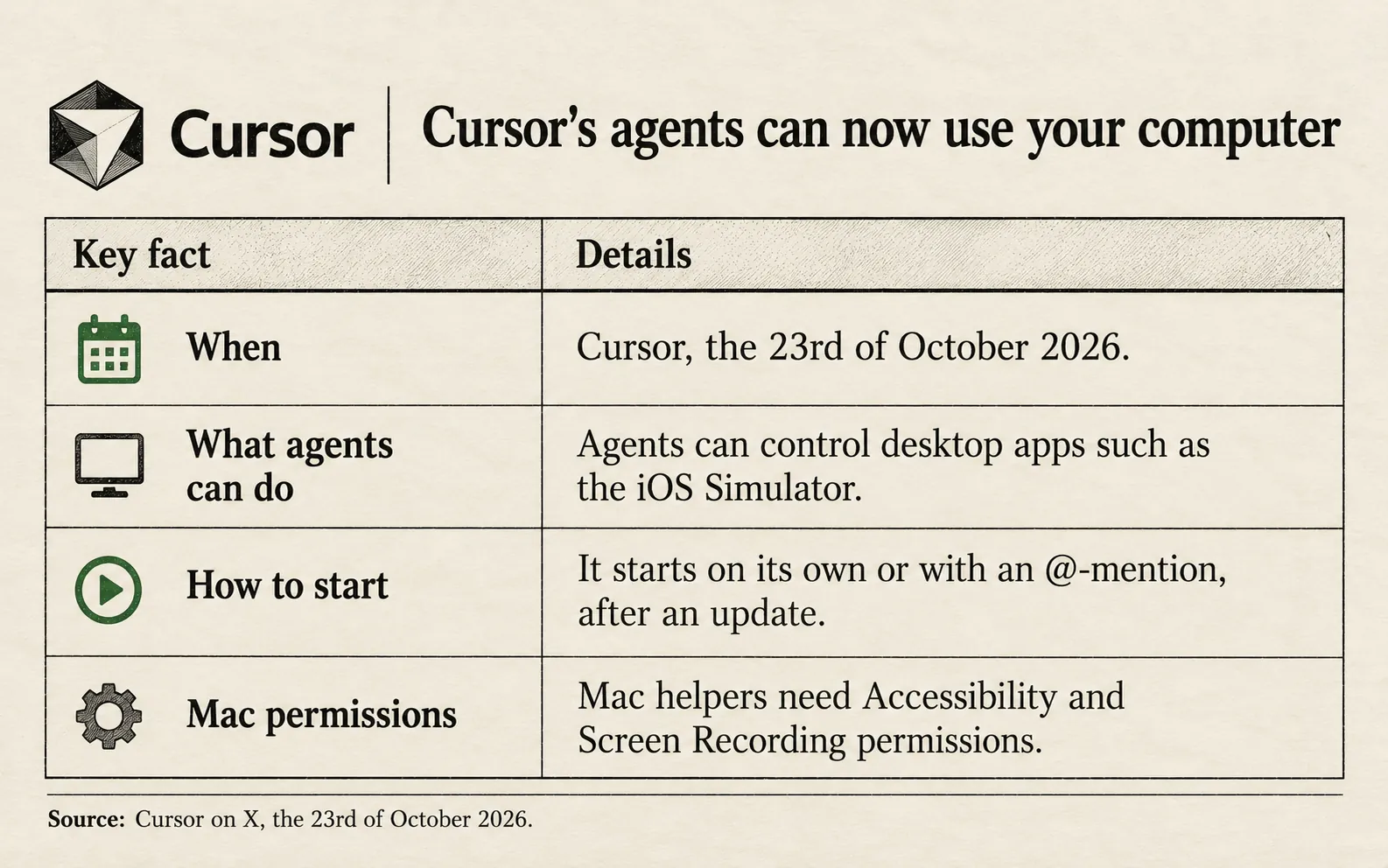
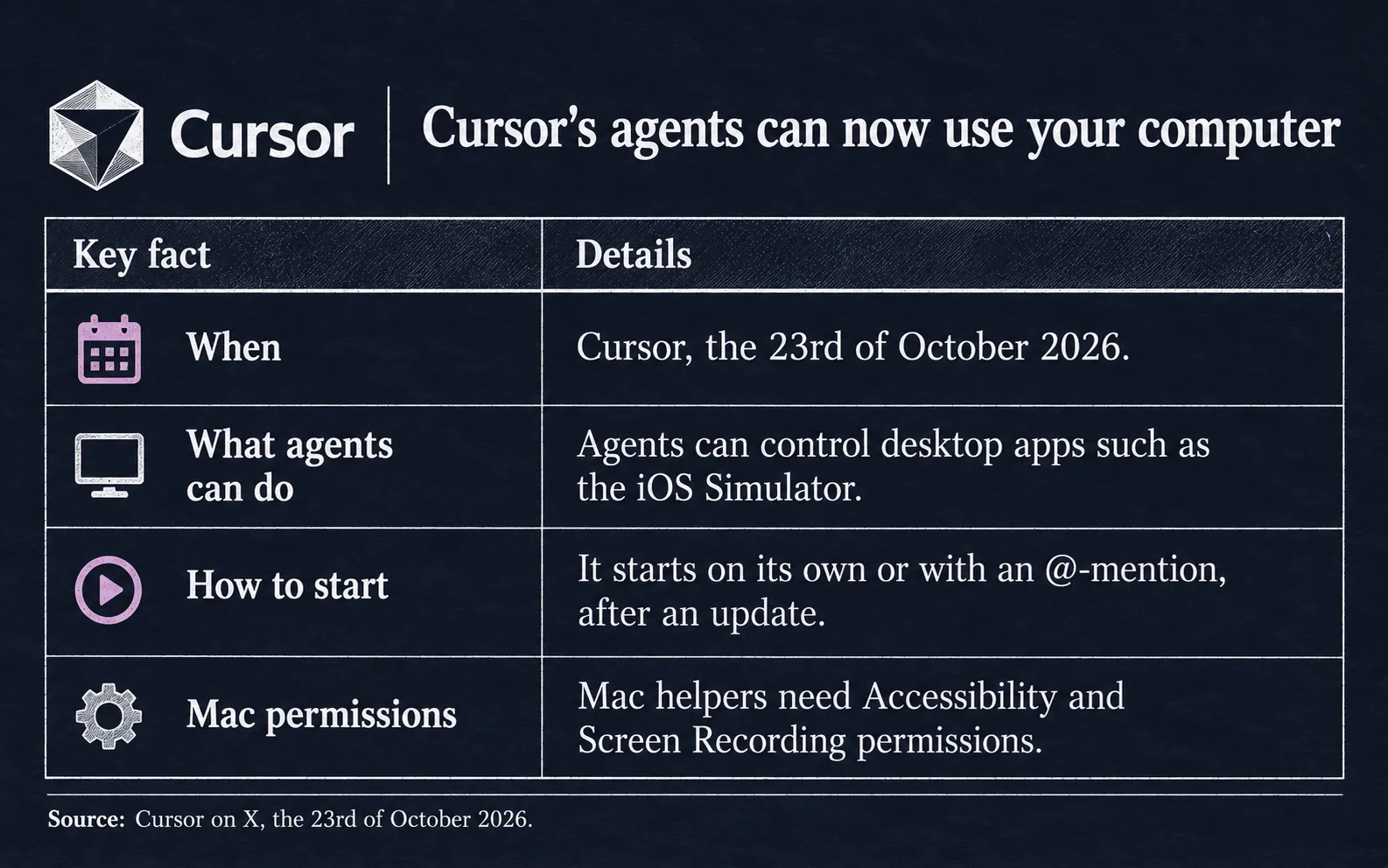
Some companies run Cursor's agents on their own machines. On such a Mac, a helper app called Cursor Computer Use needs 2 permissions, Cursor's guide says.
Accessibility lets the app move the mouse and type, and Screen Recording lets it take screenshots. That makes 1 update and 2 permissions before an agent can work there, by our arithmetic.
For these company machines, the feature works on Mac and on Linux, a free computer system, the guide says. Company admins can switch it off.
What is confirmed and what is not
Cursor has published no price or plan limits for Computer Use. Its posts do not say whether Windows computers work.
Key facts
Cursor announced Computer Use on the 23rd of October 2026.
Agents can click and type in desktop apps such as Apple's iOS Simulator.
It starts on its own or when a user asks.
Users must update Cursor to try it.